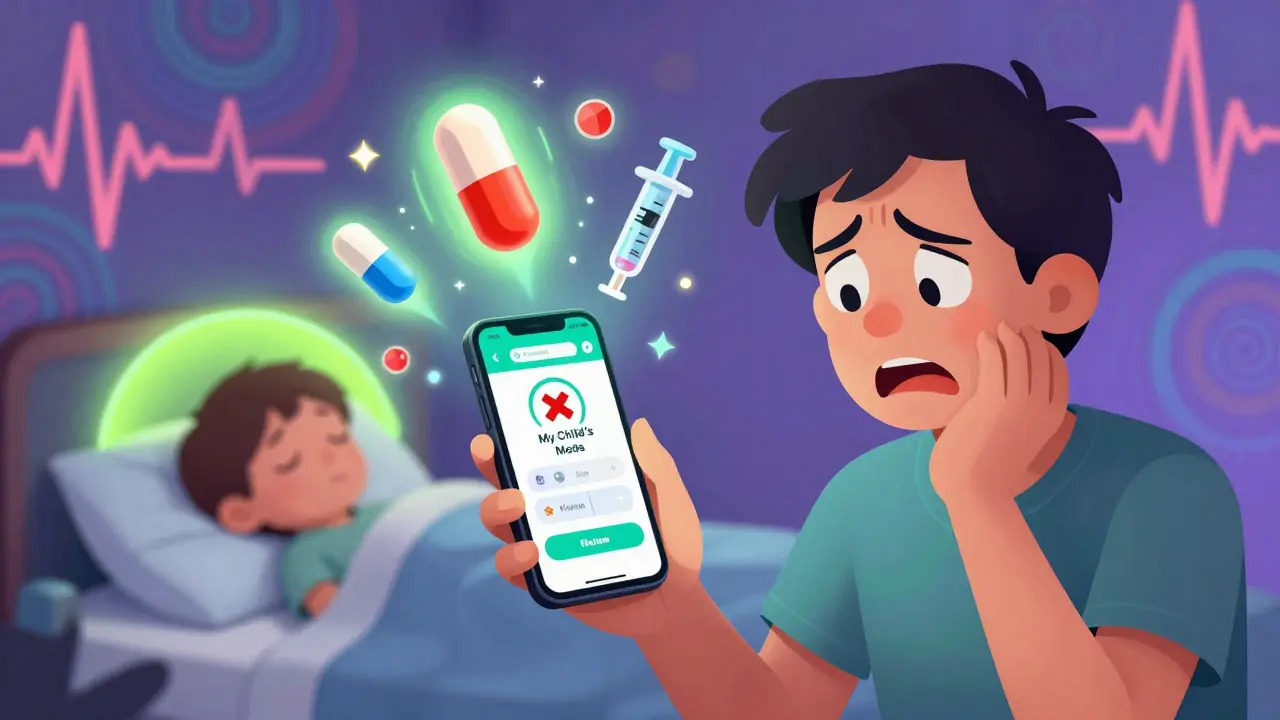
Getting the right dose of medicine into a child isn’t just about reading a label. It’s about weight, age, condition, and timing - and one small mistake can lead to serious harm. Pediatric dosing is one of the most error-prone areas in healthcare, with studies showing mistakes happen up to three times more often than in adults. The good news? Apps and dosing charts are making it safer - if you know how to use them right.
Why Pediatric Dosing Is So Tricky
Unlike adults, kids don’t get a standard pill. Their doses are calculated by weight, not age. A 5-kilogram baby needs a completely different amount than a 20-kilogram toddler. Even small errors - like mixing up pounds and kilograms - can mean giving 300% too much medicine. In one documented case, a toddler got a massive overdose of ibuprofen because a parent entered weight in pounds instead of kilograms in a free app. That’s not a rare mistake. It’s a common one. The stakes are high. Medication errors in children can lead to seizures, liver damage, or even death. That’s why hospitals, pharmacies, and parents are turning to tools designed specifically for kids.Clinician Tools: What Doctors Use
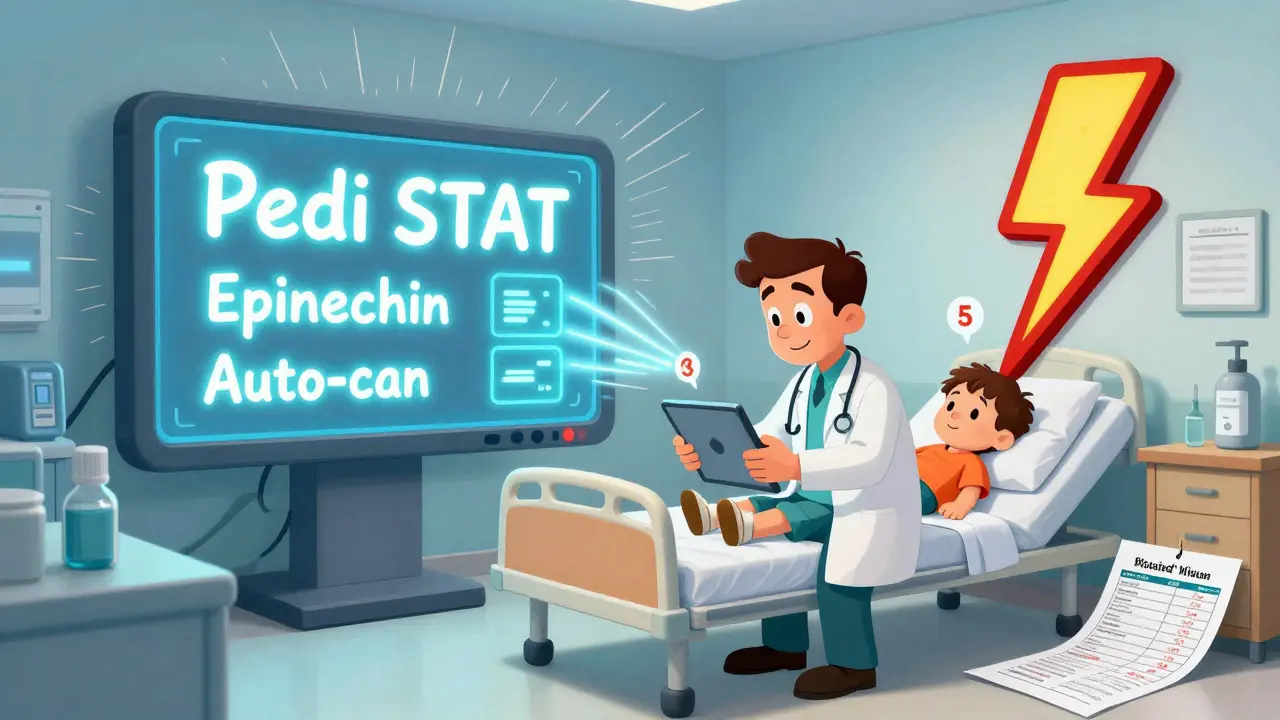
In emergency rooms and pediatric wards, clinicians rely on apps built for speed and accuracy. Pedi STAT, first launched in 2009 by emergency doctors in Connecticut, is one of the most trusted. It lets providers enter a child’s weight once, then instantly calculates doses for 15+ emergency drugs - epinephrine, albuterol, acetaminophen - in under three seconds. That’s 15 seconds faster than manual math, and with far fewer errors. Epocrates is another go-to tool. It covers over 4,500 medications, checks for dangerous drug interactions, and updates automatically. It’s used by nurses, residents, and attending physicians across the U.S. But here’s the catch: these apps are meant for professionals. They’re not designed for parents. They use medical jargon. They require training. And they don’t talk to the apps you use at home.Parent-Focused Apps: What Families Need
For caregivers, the goal isn’t to become a pharmacist - it’s to avoid giving the wrong dose twice. That’s where apps like My Child’s Meds come in. Developed with input from the Royal College of Paediatrics and Child Health, this iOS app helps parents track every pill, syrup, and inhaler their child takes. It does three things brilliantly:- Reminds you when it’s time to give a dose - with sound and vibration alerts.
- Blocks you from entering a second dose if one was already given in the last few hours.
- Stores medication history with color-coded icons so you can see at a glance what was given and when.
The Big Gap: Hospitals and Homes Don’t Talk
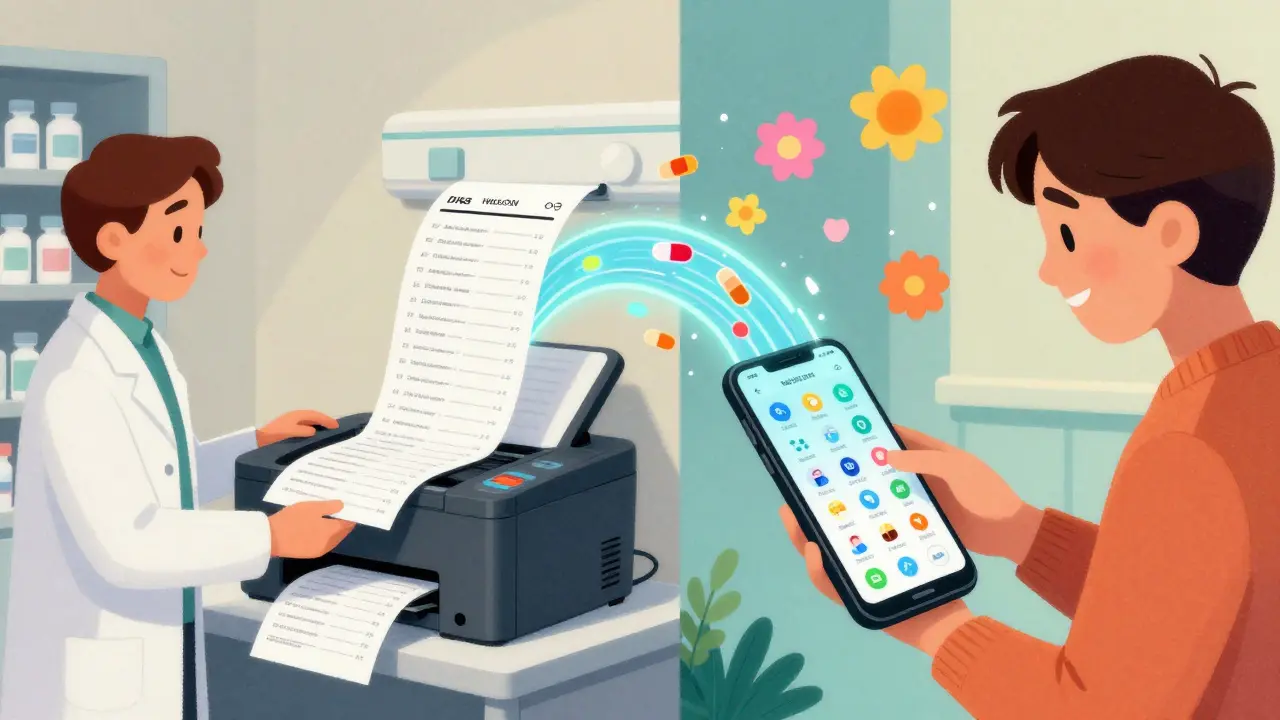
Here’s the biggest problem: the apps doctors use and the apps parents use don’t connect. When your child leaves the hospital, you get a printed sheet with doses, times, and instructions. But that paper doesn’t sync with My Child’s Meds. You have to type everything in by hand. And guess what? 41% of setup errors happen right here - wrong weight, wrong time, wrong medicine. A 2023 survey by the American Academy of Pediatrics found that 87% of medication errors in kids happen during transitions - from hospital to home, or from one caregiver to another. That’s not a tech failure. It’s a system failure. Some apps, like ChildrensMD, try to fix this with a “share with provider” button. It lets you email your child’s medication log directly to their pediatrician. That feature alone has cut information gaps by 57% in early trials.What to Look For (and What to Avoid)
Not all apps are created equal. Here’s how to pick the right one:- Choose apps with clinical backing - like My Child’s Meds, developed with UK pediatric pharmacists. Avoid apps that just store data without calculating doses.
- Check the weight unit - Does the app ask for kilograms? If it asks for pounds, you’re at risk. Always double-check the unit before entering.
- Look for dose limits - Good apps won’t let you enter a dose higher than the maximum recommended. If it lets you type “100 mL” for a 2-year-old, walk away.
- Test the backup - What happens if your phone dies? Keep a printed copy of your child’s medication schedule. Always.
Best Practices for Safe Dosing
Even with the best app, mistakes happen. These steps keep you safe:- Always verify your child’s current weight. Kids grow fast. A dose that was right last month might be too high now.
- Use the same scale every time. Bathroom scales vary. A baby scale or pediatric clinic scale is more accurate.
- Confirm the medicine concentration. Liquid medicines come in different strengths (e.g., 160 mg/5 mL vs. 80 mg/5 mL). Mixing them up is a leading cause of overdose.
- Do a weekly check-in with your pharmacy. Call them. Ask: “Does my child’s list match what you have on file?”
- Never trust an app that doesn’t explain its math. If it says “1.5 mL” but you can’t see how it got there, find a better tool.
What’s Coming Next
The future is brighter. By 2027, 95% of U.S. children’s hospitals will use digital dose verification. New tools are being tested that predict errors before they happen - like an app that notices you gave Tylenol at 2 a.m. and 6 a.m. and warns you before the next dose. Smart pill dispensers are syncing with apps so you know when your child actually swallowed the medicine. The Healthcare Information and Management Systems Society (HIMSS) is working on a universal standard so hospital systems can send medication lists directly to My Child’s Meds. If that happens, the gap between clinic and home will finally close.Final Thought
Apps aren’t magic. They’re tools. And like any tool, they work best when you understand how they work. A calculator can’t replace your judgment - but it can save your child’s life if you use it right. Don’t just download an app. Learn it. Test it. Double-check it. And keep that paper backup. Because in pediatric dosing, safety isn’t just about technology. It’s about vigilance.Can I use a regular pill tracker for my child’s medicine?
No. General pill trackers don’t calculate pediatric doses. They only remind you when to give medicine. If your child’s dose depends on weight, you need an app that calculates it for you - like My Child’s Meds or NP Peds MD. Using a generic tracker without dose calculation puts your child at risk.
Are free pediatric dosing apps safe?
Some are, but many aren’t. Free apps from unknown developers often lack clinical validation. One 2024 study found that 78% of free Android apps for kids’ dosing had no safety checks and could calculate dangerously high doses. Stick to apps developed by hospitals, pharmacies, or pediatric organizations. My Child’s Meds, NP Peds MD, and Pedi STAT are all backed by medical institutions.
What should I do if my child’s weight changes?
Update the weight in your app immediately. Then double-check all current doses. A 1-kilogram change can mean a 10-15% difference in dose for many medications. Always confirm the new dose with your pediatrician or pharmacist before giving it. Never assume the old dose is still correct.
Do hospitals share medication data with parent apps?
Not yet - but they’re working on it. Right now, most hospitals print or email a list. Apps like ChildrensMD let you email your log to your doctor, but there’s no automatic sync. A new standard being tested in 2025 aims to connect hospital EHRs directly to apps like My Child’s Meds. Until then, manually entering data is necessary - and you should double-check every entry.
Is it safe to rely only on an app during an emergency?
No. Even professional apps like Pedi STAT have been known to fail during power outages or software glitches. The American Academy of Pediatrics recommends always having a printed dosing chart as backup. In emergencies, if the app isn’t working, use the chart - and if you’re unsure, call 999 or your local emergency service. Never guess.



Buddy Nataatmadja
March 13, 2026 AT 04:22Been using My Child’s Meds since my daughter started on antibiotics last year. Honestly, the duplicate dose blocker saved us more than once. I’d forget I already gave it at 8 p.m. and think, 'Oh, she’s still feverish, better give another.' The app just says 'Nope, already administered.' Simple. Effective. No drama.
Also, the color-coded history? Game changer. My mom used to ask, 'Was it the red one or the blue one?' Now I just show her the screen. She gets it instantly.
mir yasir
March 15, 2026 AT 00:31While the article presents a commendable overview of pediatric dosing tools, it remains curiously devoid of critical discourse regarding the epistemological foundations of algorithmic medical decision-making. The uncritical endorsement of proprietary apps as panaceas risks reinforcing a technocratic hegemony in child healthcare, wherein clinical judgment is outsourced to opaque computational models. One must question: who audits the calibration of these dose algorithms? Are they validated against diverse pediatric populations, or are they trained on homogenized datasets that privilege Western anthropometrics?
Devin Ersoy
March 16, 2026 AT 06:05Oh wow, another article that acts like apps are gonna save us from our own dumbasses. Look, I get it - people forget, people panic, people mix up mL and drops. But let’s be real: if you’re relying on an app to tell you how much Tylenol to give your kid, you shouldn’t be parenting.
I’ve been doing this for 12 years. I use a damn calculator, a printed chart, and a ruler to measure the syringe. I don’t need a vibrating phone to tell me not to overdose my kid - I need to pay attention.
And yeah, I’ve seen parents who let their phone do all the thinking. Then they show up at the ER with a 16-month-old who’s got liver damage because the app said ‘10 mL’ and they didn’t check the concentration. That’s not a tech problem. That’s a parenting problem.
Also - free apps? Yeah, most are garbage. But so are half the paid ones. Just because it says ‘developed with pediatricians’ doesn’t mean it’s not buggy. I once had an app tell me to give 200 mg of ibuprofen to a 5kg baby. That’s a death sentence. And it was from a ‘trusted’ source.
Bottom line: your brain is the most important tool. Apps are cheat sheets. Not replacements.
Scott Smith
March 16, 2026 AT 11:13The disconnect between hospital systems and home apps is not just a technical issue - it’s a systemic failure of care coordination. When a child is discharged, the transition should be seamless, not a manual data-entry marathon. The fact that parents are expected to retype medication regimens by hand is not just inefficient - it’s dangerous.
Hospitals must adopt interoperable standards like FHIR to enable direct EHR-to-app syncing. Until then, every handwritten instruction is a potential error vector. The 41% error rate at transition points isn’t surprising - it’s inevitable.
And yes, printed backups are essential. But they’re a Band-Aid. The real solution is integration. We’ve had the tech for years. What’s missing is the will.
Sally Lloyd
March 16, 2026 AT 16:09Okay but… what if the app is hacked? Or the server gets breached? What if some shady corporation starts selling your kid’s dosing data to pharmaceutical companies? I’m not saying it’s happened - but it could. And once your child’s medication profile is out there, it’s never coming back.
Also - why do all these apps need Wi-Fi? What if you’re in a basement? Or on a road trip? Or during a blackout? My phone dies every time we go to the mountains. Do I just wing it? No. I have a laminated chart taped to the fridge. No app. No login. No permissions. Just ink and paper.
And let’s not pretend ‘My Child’s Meds’ is some altruistic nonprofit. It’s owned by a health tech startup that got acquired last year. They’re not in it to save kids. They’re in it to monetize your anxiety.
Emma Deasy
March 18, 2026 AT 04:36Let me just say - as a mother of three, and a former pediatric nurse - this article is not just informative, it is profoundly necessary. The sheer volume of preventable tragedies caused by dosing errors is staggering, and yet, we continue to treat this as a mere ‘tip sheet’ issue rather than the systemic crisis it is. I have sat in emergency rooms, holding the hand of a child who nearly died because a parent, exhausted, confused, and overwhelmed, gave the wrong dose - not out of negligence, but out of a lack of support.
And while I appreciate the mention of My Child’s Meds, I must emphasize: the real hero here is not the app - it is the parent who double-checks, who calls the pharmacy, who prints the chart, who keeps a log in a notebook, who refuses to trust a single source. That vigilance - that relentless, quiet, sleep-deprived vigilance - is what saves lives. Technology merely amplifies it.
And yes - I do keep three printed copies. One in the diaper bag. One in the kitchen. One taped to the inside of the medicine cabinet. Because when your child is seizing, you don’t want to be scrolling through apps. You want to grab paper. And breathe. And act.
tamilan Nadar
March 18, 2026 AT 23:21App or no app, the real issue is access. In rural India, most parents don’t have smartphones. They rely on community health workers who sometimes use paper charts with handwritten notes. The solution isn’t more apps - it’s better training for frontline workers and standardized visual dosing charts in local languages. No one needs an iOS app when they can’t even afford a scale.
Adam M
March 20, 2026 AT 18:16Don’t trust free apps. Period. If it’s not from a hospital or pharmacy, it’s a gamble. Your kid isn’t a beta tester.
Rosemary Chude-Sokei
March 22, 2026 AT 14:11I appreciate the thoroughness of this piece, and I especially agree with the emphasis on weight verification and concentration checks. As a pediatric pharmacist, I’ve reviewed hundreds of dosing errors, and the most common root cause isn’t the app - it’s the assumption that yesterday’s dose is still accurate today. Children’s weight changes rapidly, and even a 500g shift can alter pharmacokinetics significantly. I always advise families to reconfirm weight at every visit - not just when they update the app.
Also, while I support digital tools, I firmly believe that the human element - a pharmacist reviewing the regimen, a nurse walking through the schedule - remains irreplaceable. Technology enhances; it doesn’t eliminate the need for professional oversight.
Noluthando Devour Mamabolo
March 22, 2026 AT 15:03Yo, I’ve been using ChildrensMD since my son had his first pneumonia. The ‘share with provider’ button? Absolute lifesaver. Last month, I sent him the log and he called me back within 2 hours - ‘Noluthando, you’ve been giving 2x the amoxicillin dose. The app didn’t flag it because the weight was outdated.’ I updated it. He changed the script. Kid’s fine.
Also - emoji for the win 📊💉📱. This is why I love tech. It’s not magic, but it’s a safety net. And when you’re sleep-deprived and juggling three kids? A safety net is a goddamn miracle. Keep the paper backup? Yes. But don’t ditch the app. Use both. That’s what I call layered safety.